Shephard
From your paper to your screen.
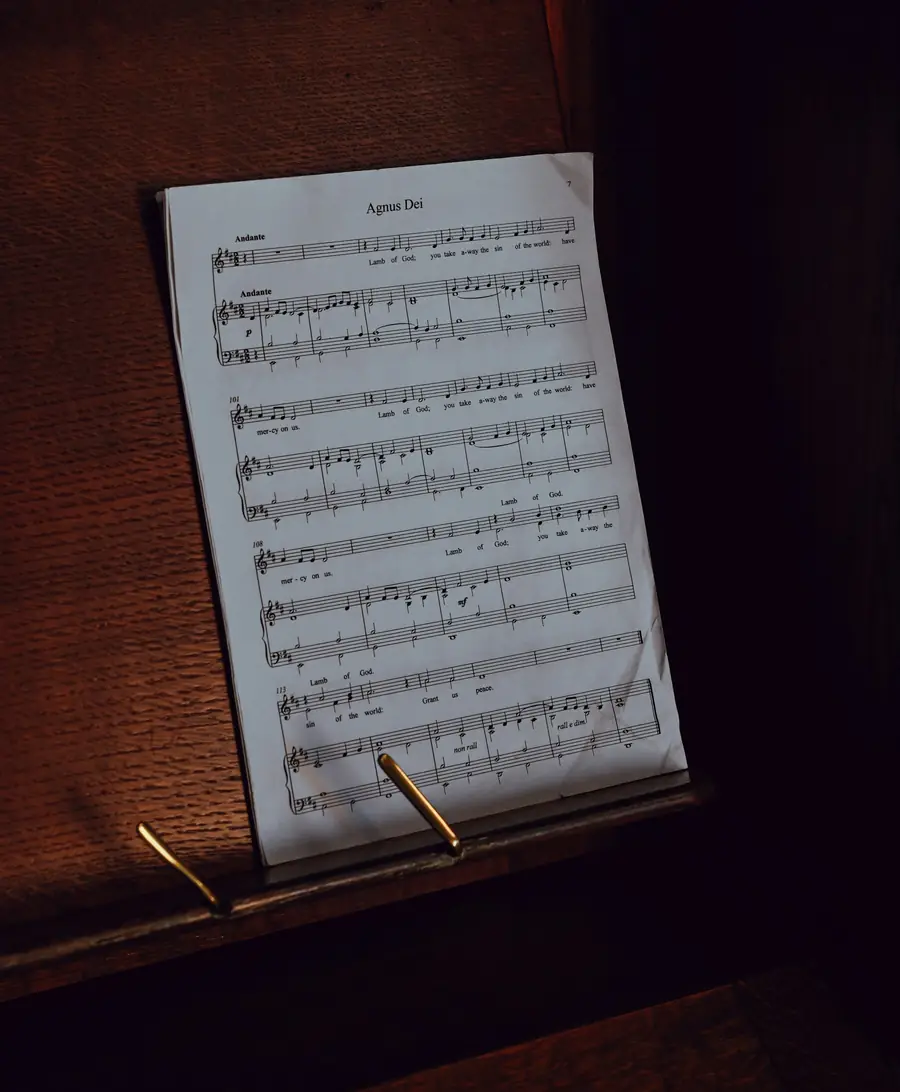
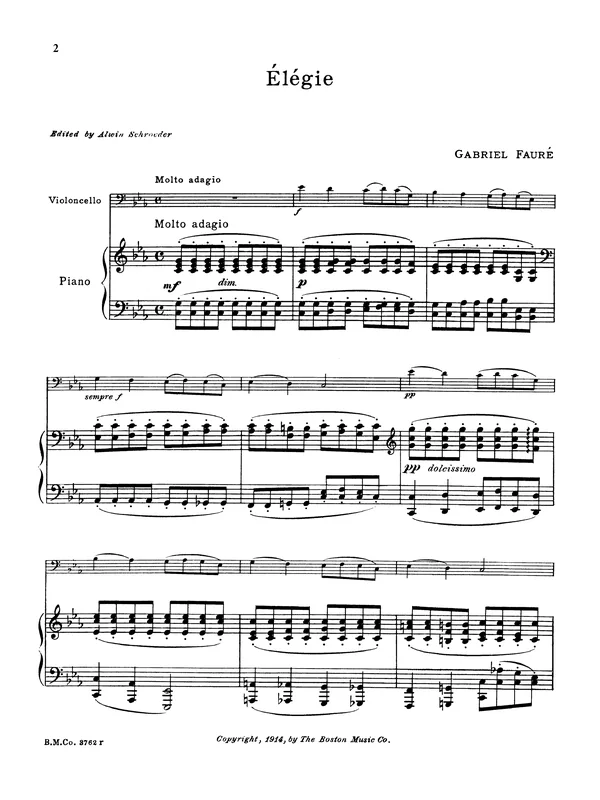
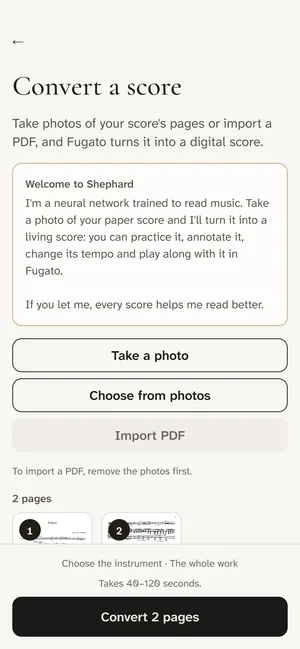
Take a photo of your score or upload a PDF. Shephard, Fugato's artificial intelligence, brings it into the app. Then you can play it with the accompaniment, study it, annotate it and change its tempo.
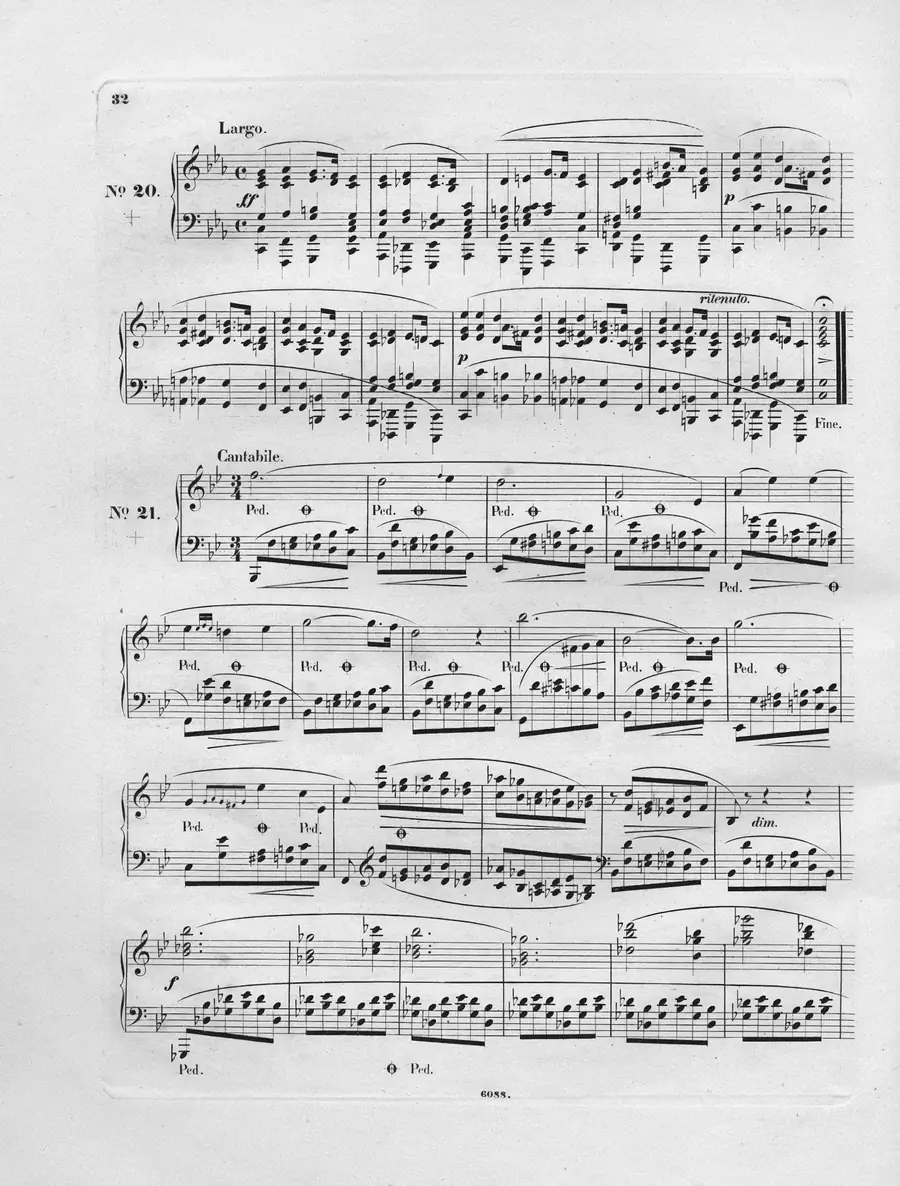
From the page to an interactive score.
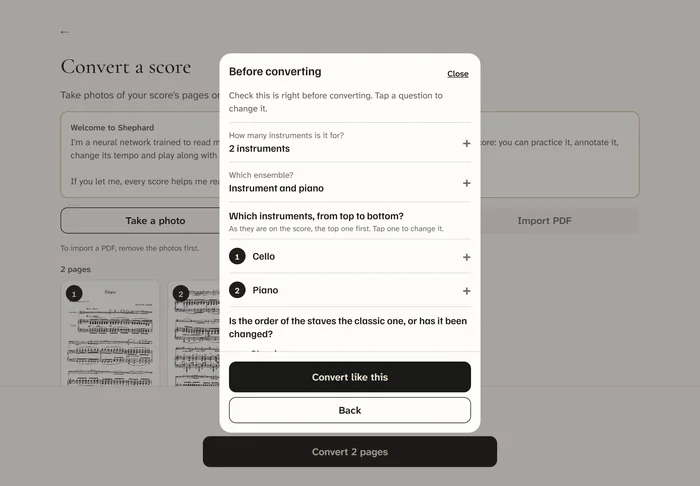
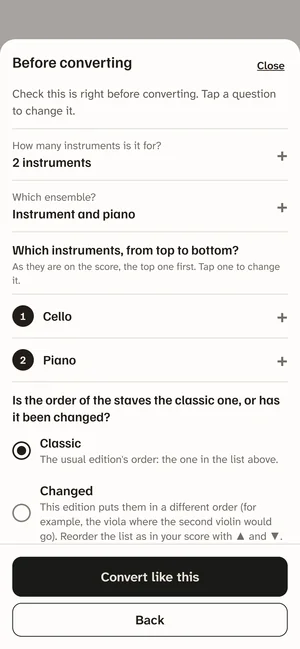
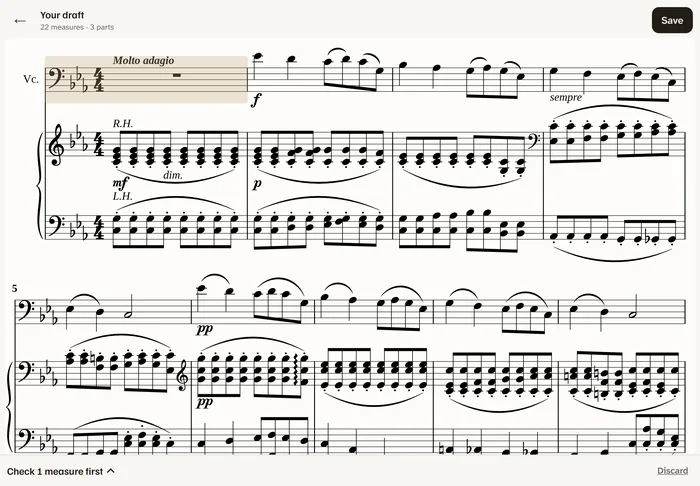
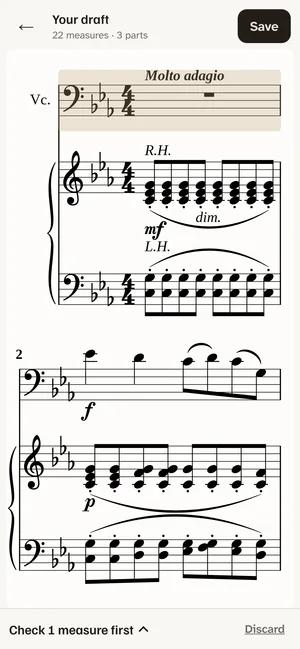
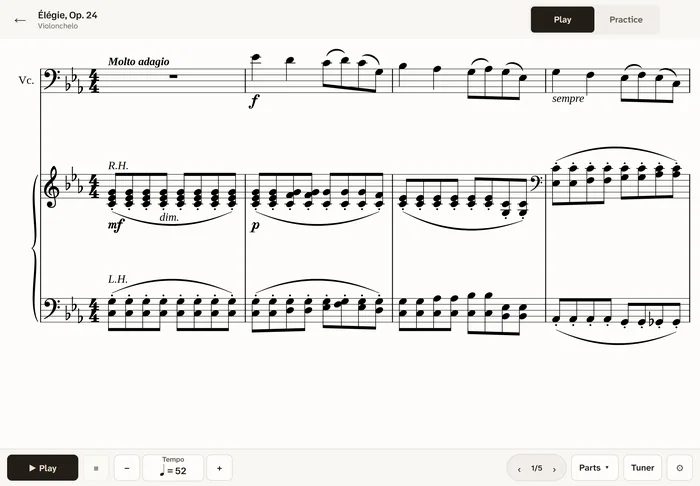
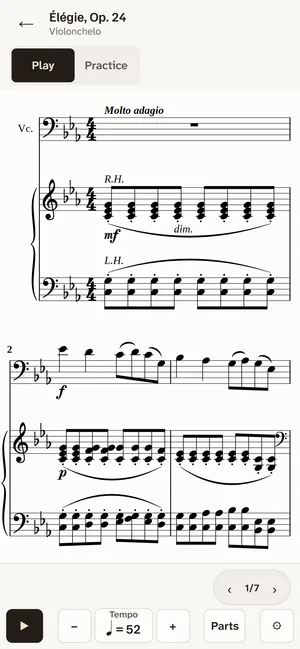
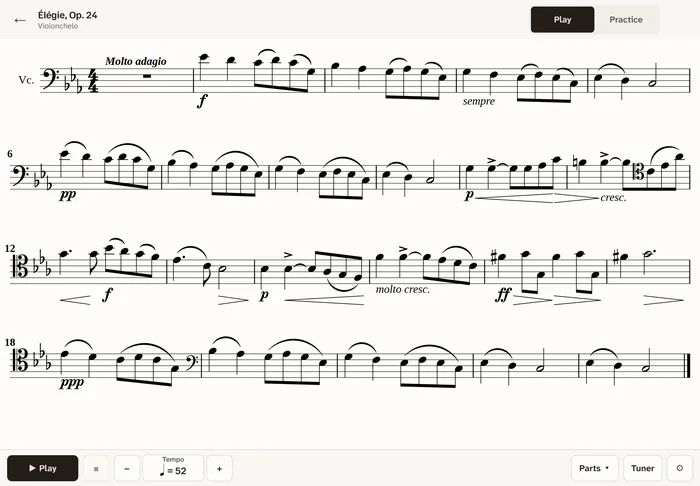
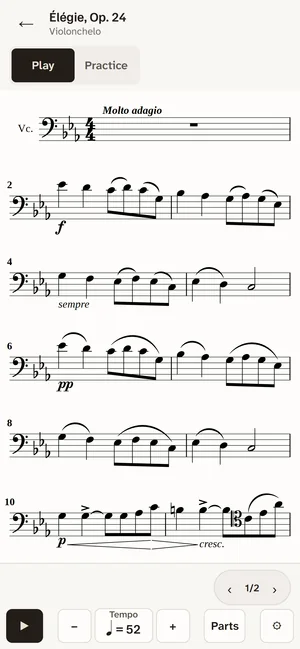
Fauré’s Élégie for cello and piano, converted by Shephard just as it comes out, on a tablet and on a phone.
Screenshots of the app with a real, untouched conversion.
The essentials, at a glance.
- Where it's converted
- On our server Your photos are sent there to be read. What happens next is in the questions at the end.
- What you give it
- Photos or a PDF JPEG or PNG photos of up to 20 MB each, or a PDF of up to 30 pages and 50 MB.
- How long it takes
- 20 to 60 s per page It's an average. A photo taken from far away can take up to 3 minutes. A 12-page PDF, about 4½ minutes.
- What it reads
- Solo instruments and groups A single part, piano with another instrument, chamber groups, bands and orchestras.
- What you need
- A Fugato account We need it to save your draft. You can delete it whenever you like.
- How much it costs
- Free in the beta If that changes, we'll tell you first.
Where the scores come from. The ones in Fugato’s catalogue are in the public domain or under a free licence; each work says which. You can also add your own: with Shephard, from a photo or a PDF, or by importing a MusicXML file. Yours are private: only you can see them, unless you share them with a group. When you add one, you confirm you have the right to use it.

Tuned to read like a musician.
Real repertoire, constant rigour and a version that keeps getting sharper.
- It sees the page the way you do.From the first clef to the final double bar, it recognises printed notation, including phone photos taken on the music stand.
- It speaks your instrument's language.Strings, guitar, winds, voice and piano each write in their own way, and Shephard has been shaped to tell them apart.
- Every improvement, put to the test.No version reaches your music stand without first proving it outperforms the one before.
- It updates itself.Every time you convert, you get the latest version.
- Your photos are used only if you allow it.We only use them to train Shephard if you give us permission. How they are handled is covered in the questions at the end.
Designed so you can check without getting lost.
What it does for you
- It tells you why it's unsure about each marked bar. For example, that the rhythm doesn't add up or that a passage can't be read well.
- It detects the title, the composer and the instrument, and asks you to check them.
- It separates a work's movements. You check where each one starts, and you can rename them, move a cut or remove it.
- If the score has fingerings or bowings written in pencil, it asks whether you want them as your own annotations. You can then change or remove them without touching the score.
What it doesn't do yet
- It doesn't guarantee a bar is right: a bar that isn't flagged is not necessarily correct.
- With a PDF it is often unsure about almost every bar of some part. When that happens, it tells you so you can check that whole part.
Getting a better photo.
Five tips that help Shephard read.
- The whole sheet, face on, not tilted
- Flat, with no creases or shadows
- Good light and no glare
- Hold still for a second as you shoot
- Let the sheet fill the whole frame

Who sees them and what happens to them.
Who sees what I convert?
Only you. What you convert is private and never appears in the catalogue, unless you share it with a group. If you let us use your photos to improve Shephard, see the next question.
What happens to my photos?
Shephard reads your photos on our server. What happens next depends on the box “Let my corrections be used to train the converter”, which comes unticked.
Unticked: your photos and what comes out of them are deleted when you save or discard the draft. If you do neither, they are deleted after 30 days of inactivity.
Ticked: we keep your photos, the draft and your corrections, without your name or email, only to train and measure Shephard. They aren't published or shared outside the Fugato team. You can withdraw your permission at any time.
Want Fugato to listen while you play? Meet Axel.
Try it on your stand.
Fugato is in beta and needs musicians who really use it. Free while it lasts.