Skip to content
ESEN

iOS and Android

Dive into the infinite music stand

Your music, at your pace.

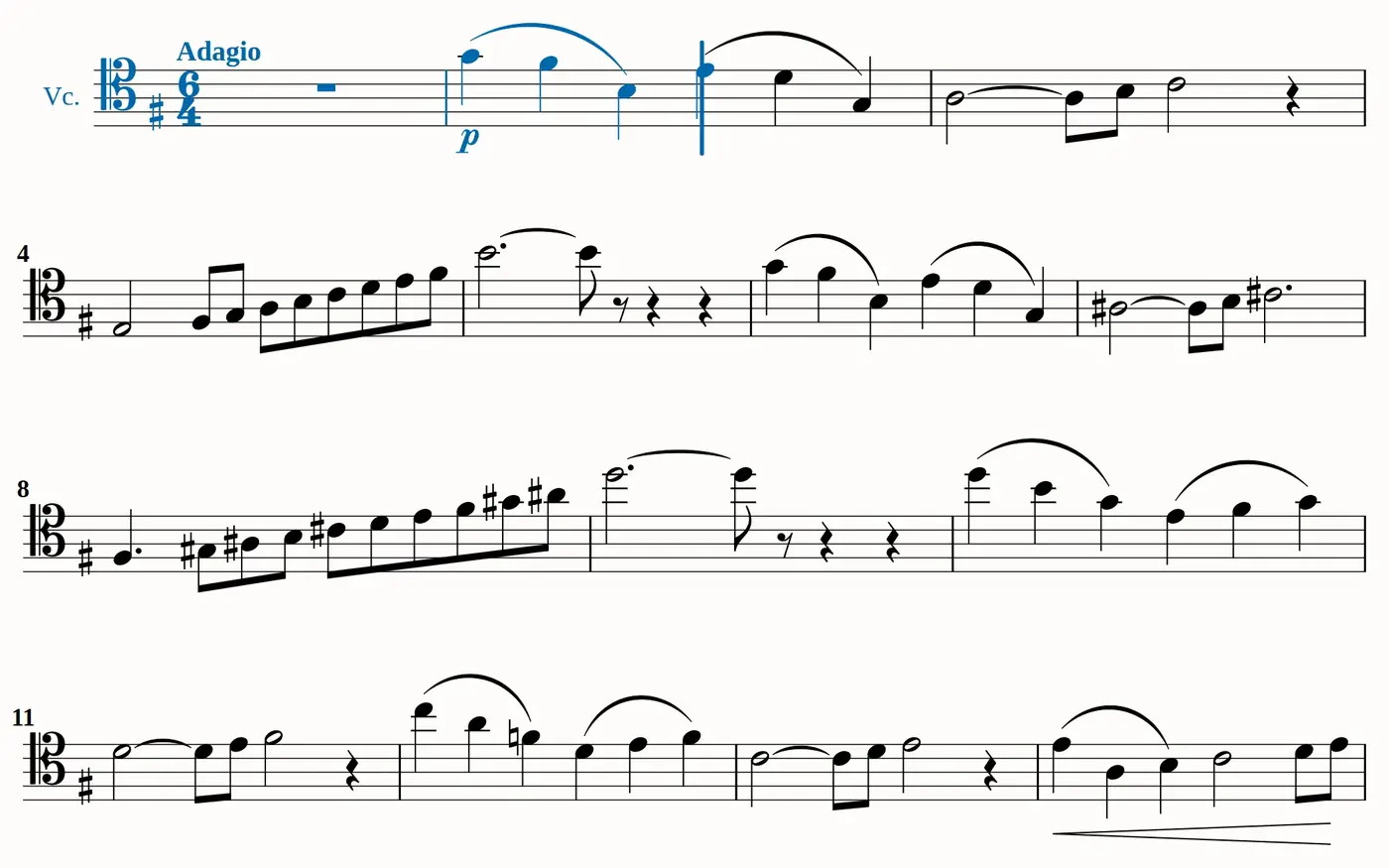
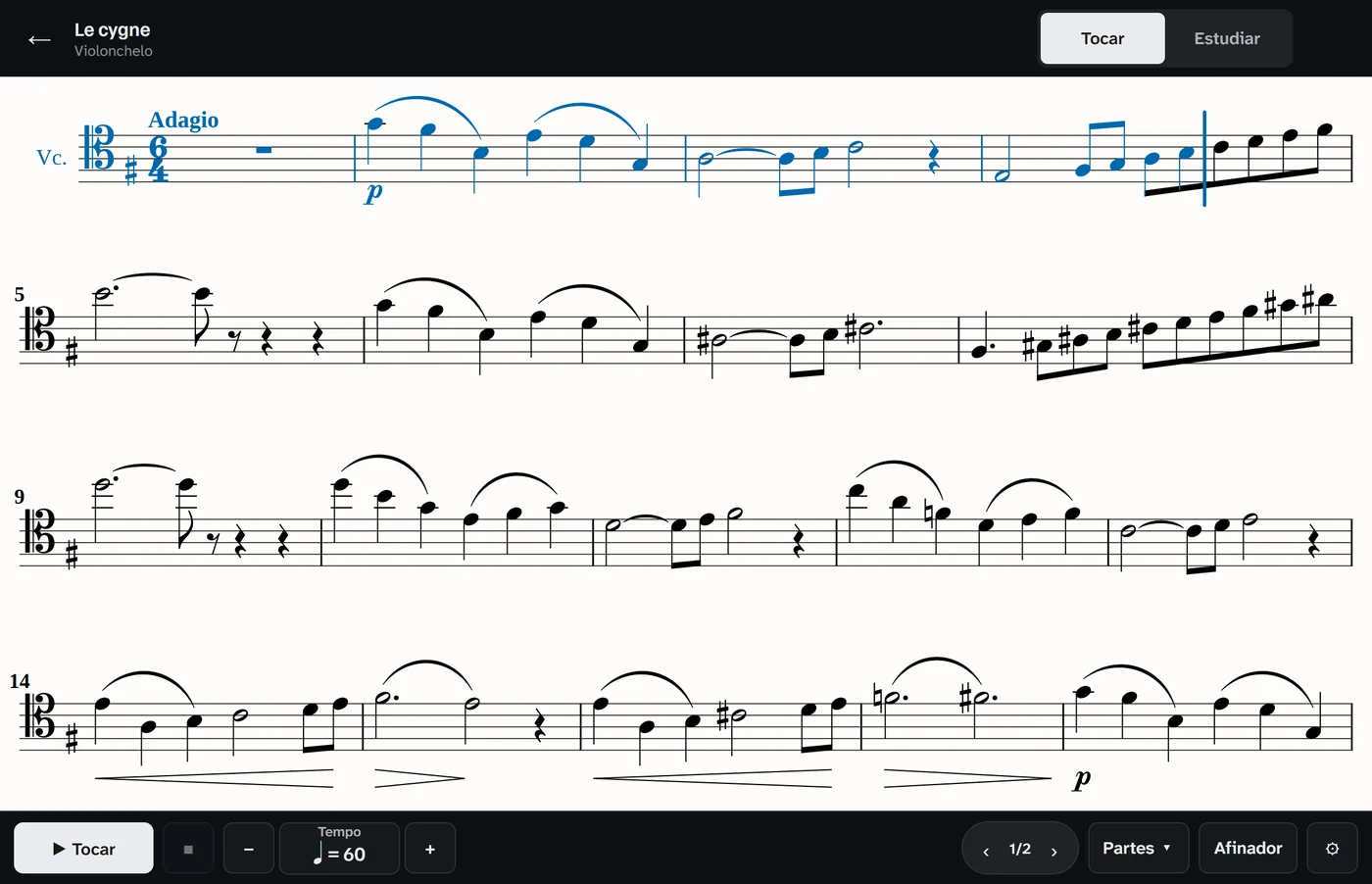
The app on a tablet playing Le cygne by Saint-Saëns: the blue line shows where you are, and the notes you've played turn blue.

Music deserves your full attention.

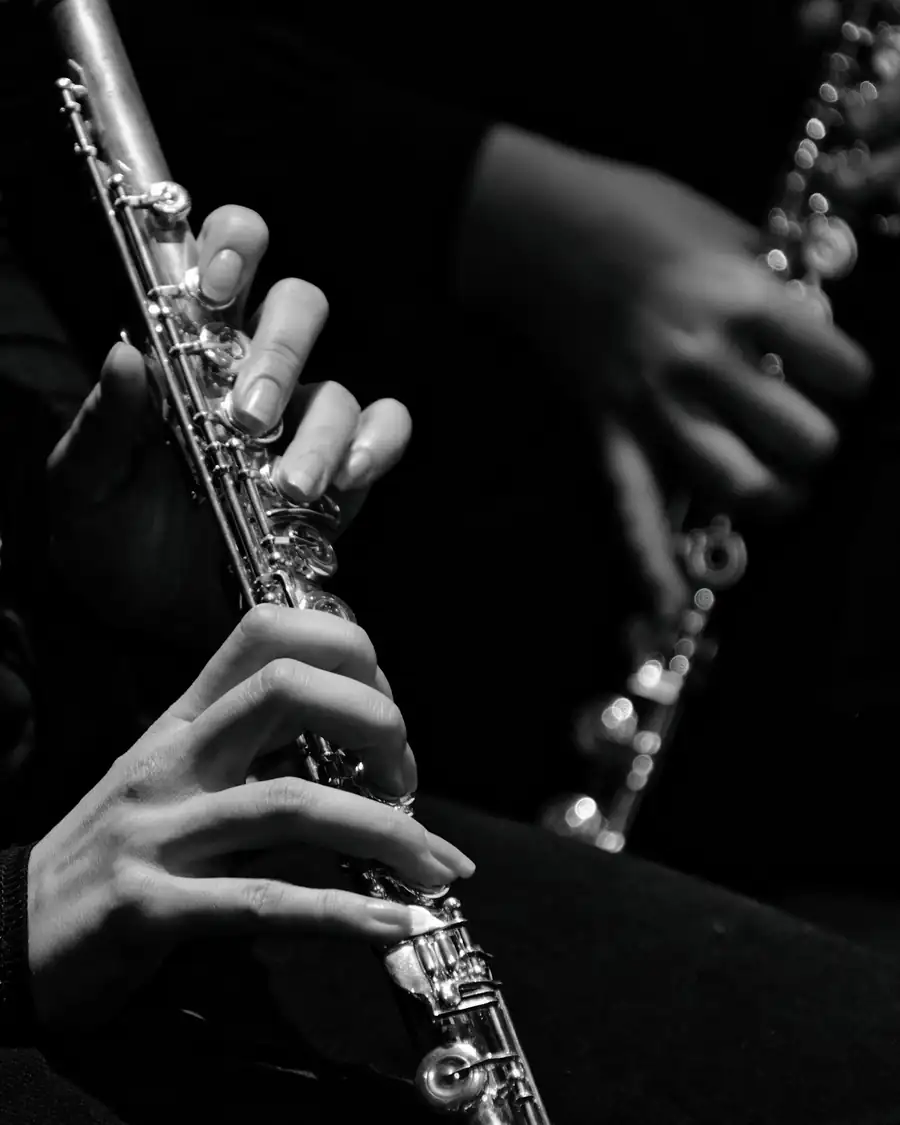
Hands on the keys of a flute, in black and white.

Studying a piece means eyes on the page, hands on the instrument and mind on the phrase. Fugato accompanies you, saves your notes and lets you focus on playing.

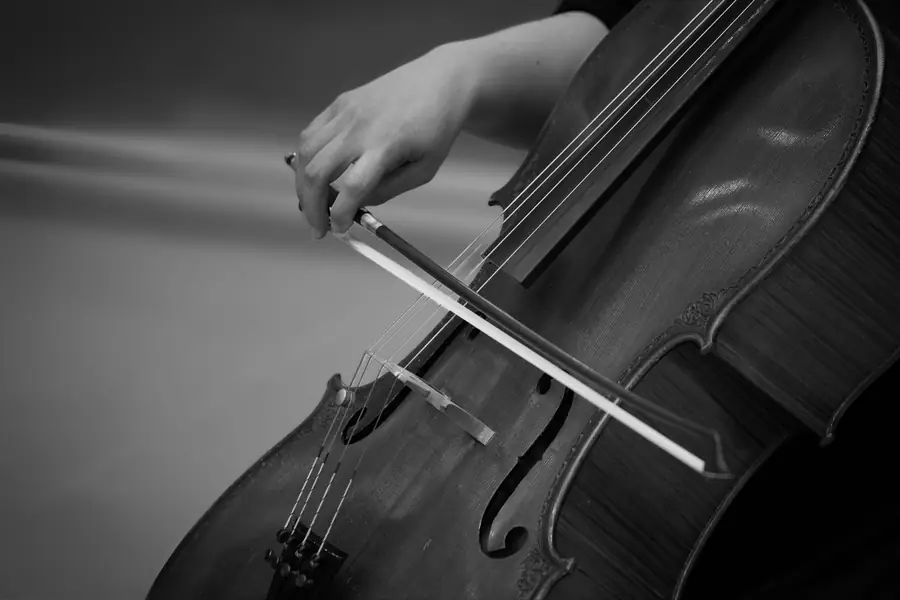
A bow on the strings of a cello, in black and white.
Let the technology step aside. Let the instrument speak.

You play. Fugato brings in the rest.

Choose your part, the tempo and the section.

Repeat a difficult passage as many times as you need, no rush.

The Play screen of the app on a tablet, with Le cygne by Saint-Saëns: what has already played in blue, the Play button, the tempo and the part selector.
PartTempoSectionInstruments

And behind it all, Shephard and Axel.

Two companions.

One reads your score; the other listens to you.

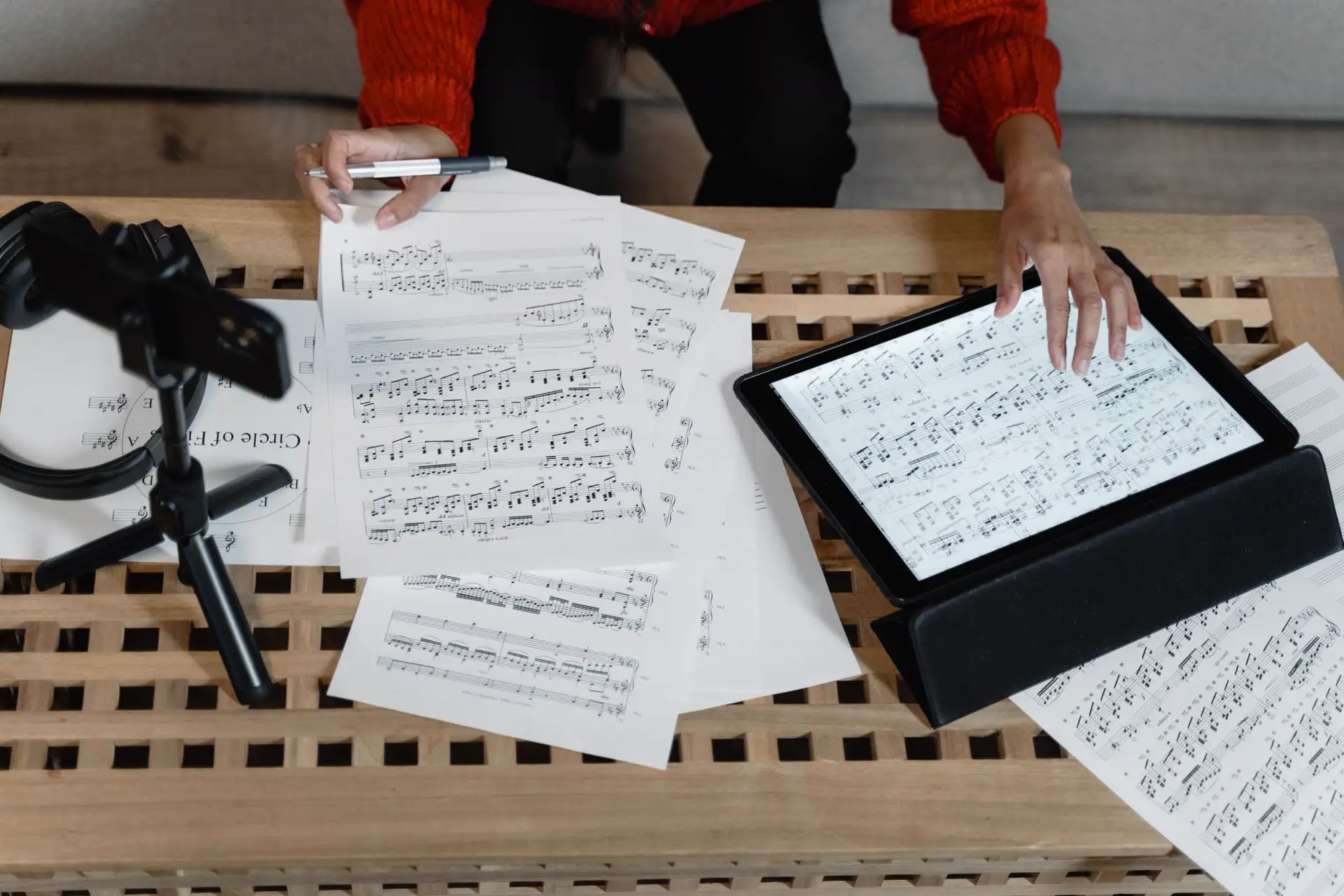
A score with tempo markings.

Shephard

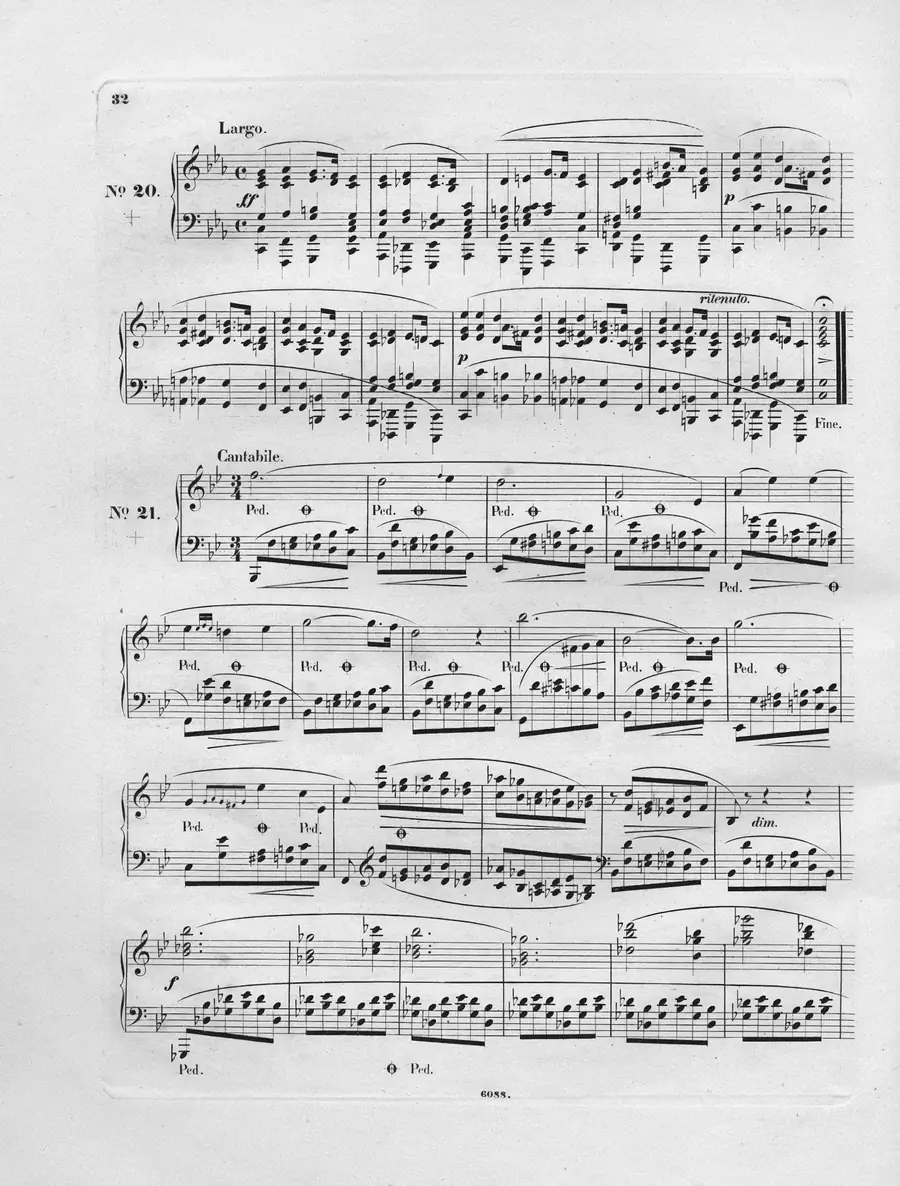
From paper to screen.

Take a photo of your score, or upload a PDF, and Shephard turns it into a digital version Fugato can read. You can study it, annotate it and change its tempo. Shephard splits a work into its movements and flags the bars it's unsure about, so you know where to start checking.
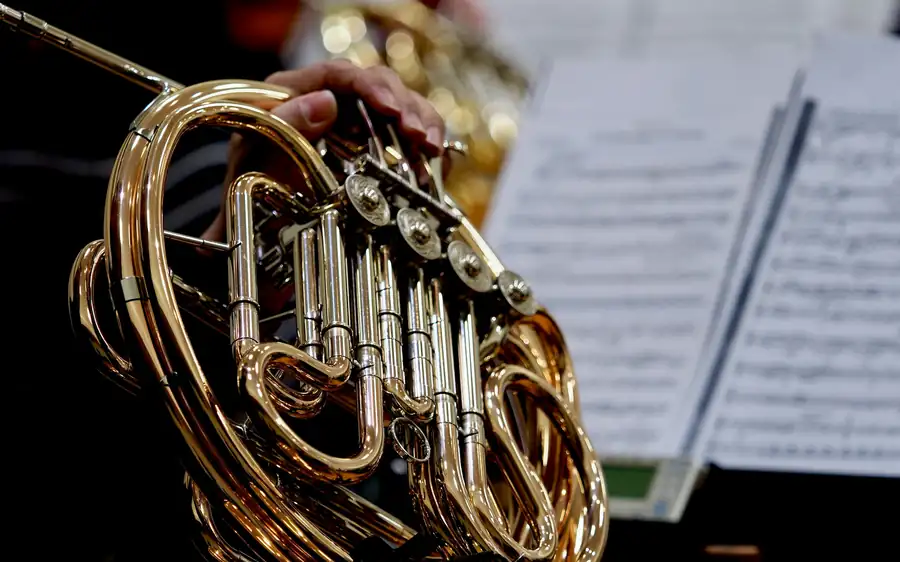
A golden French horn beside a music stand with scores.
In development

Axel

It listens and follows where you are.

Axel picks up your instrument through the microphone and shows the bar you're in. At the end of each page, it turns to the next for you. It doesn't accompany you with sound yet. The audio is analysed on your device and never sent.

Write on the page.

With a finger or a stylus, straight onto the score. Zoom in until you circle just that one note, and underline what you find hard.

Your notes, where you decide.

The Practice screen of the app on a tablet, with Fauré's Élégie for cello and the notes of someone who has been practising it: “like an echo” and a breath mark in blue, two fingerings, a clef change and a sharp circled in red, and “molto cresc.” highlighted in yellow.
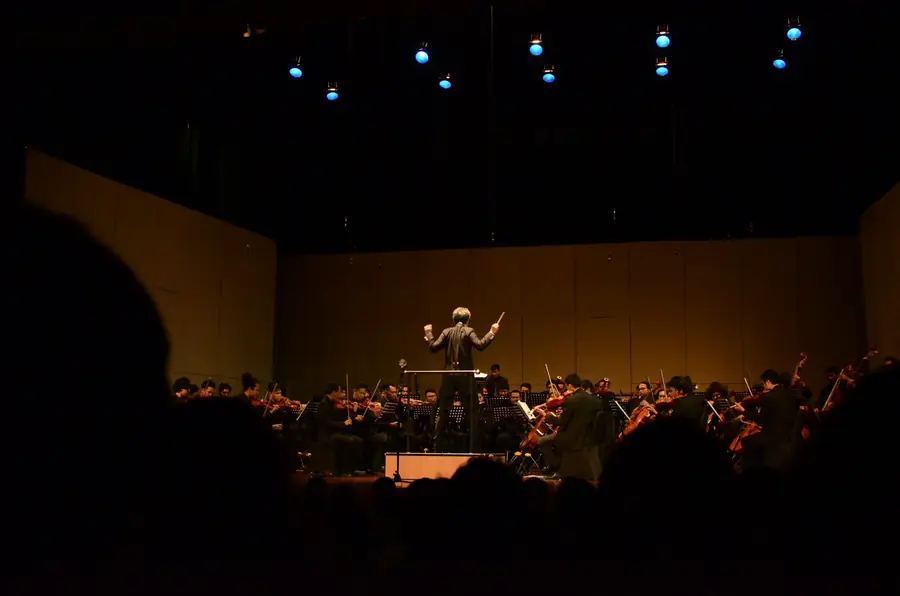
A dimly lit stage with an orchestra under a warm light.

Built around the musician.

Offline

Download works beforehand and study wherever there's no signal.

In your language

Spanish, English, French, German and Italian.

At your pitch

Choose your reference A, from 415 to 450 Hz, and the accompaniment will sound at that pitch.

Your music and data belong to you

  • You can use it without an account. As a guest, what you choose and annotate stays on your device.
  • With an account, your music follows you. Your annotations and library sync across your devices.
  • We don't record or send what you play. The accompaniment is generated on your device and, if you use Axel, what the microphone hears is analysed there too, so the audio stays on it.
  • We tell you plainly. If anything changes, such as advertising or a new use of your data, we'll let you know first.
  • You're in charge of your account. You can create it, download your data or delete it whenever you like, from the app or from this website.

Play as a group.

Everyone has the same repertoire, in the same order. It is in My stand → With others → Groups, and you need an account.

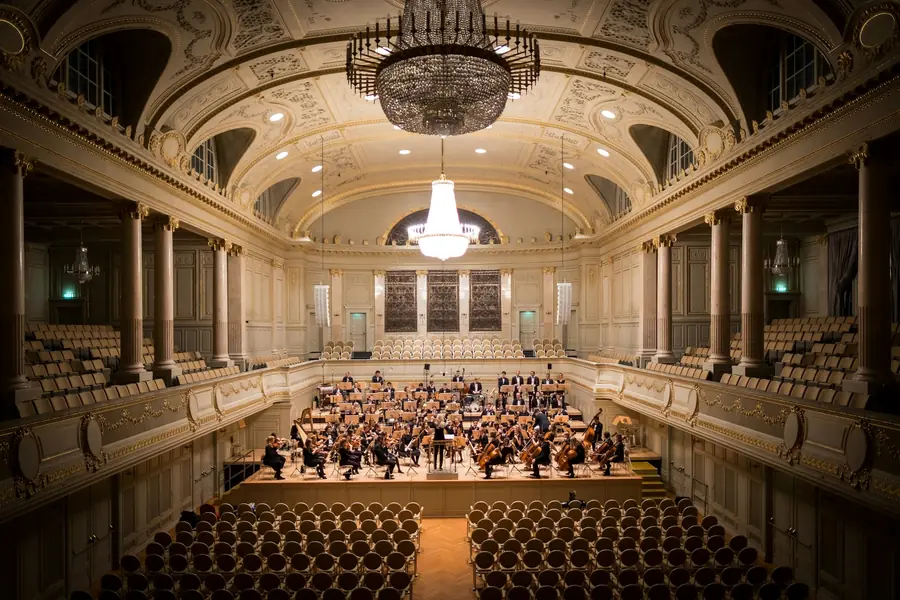
An orchestra and its conductor in a concert hall.
  1. Create the groupGive it a name. Whoever creates it coordinates it.
  2. Invite the othersWith a code or a QR code, scanned with Fugato’s camera. Before joining, they see the group’s name and who coordinates it. The code expires, and you can close it whenever you like.
  3. Share a performanceIt is the list of pieces for a concert, in order. Once you share it, everyone sees it.
  4. Open the pieceChoose your part and play or practise with the accompaniment.
  • Pieces from the catalogueEach member uses their own.
  • Your scoresFor the ones you convert with Shephard, only the title is shared and the others add their own copy. If the piece is yours or in the public domain, you can share the whole score.
  • Whoever coordinatesInvites people and decides whether the others can add pieces to the performances or change their order and name. They can hand the coordination over to someone else.
  • What the others seeYour display name, your label (for example, “Violin 1”) and what you share. Not your email.
  • If you leaveYou can leave whenever you like. The performances you were sharing become yours alone again.
  • If something goes wrongFrom the “⋯” menu you can report or block a person, a group or a performance. We review reports within 24 hours.

Quick questions.

What is Fugato?

An app for musicians: you read the score and play your part, and Fugato plays the other parts.

Which instruments does it work with?

For yours, if the work has that part: you pick it from the parts of each work in the catalogue, and Fugato plays the rest.

How much does it cost?

It's free during the beta. If that changes, we'll tell you first.

Make room for music.

Join the beta for free.

We'll reply with the installation steps.

Latest version 0.7.4 · 18 November 2026 · A new app inside and out: fix your scores and convert bands and orchestras See what's new →